

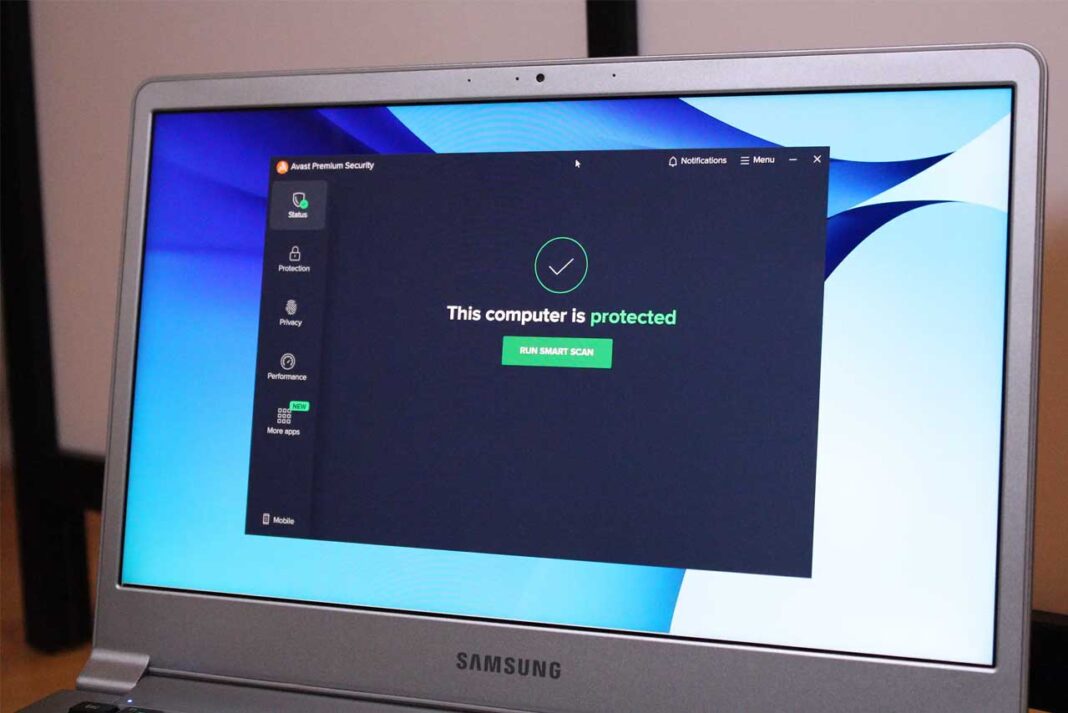
I’ve been a Windows user ever since I first learned about computers — way back in the 90s when the Microsoft revolution was reshaping homes, schools, and workplaces. Over the years, one thing became clear: Windows systems are vulnerable to online threats like viruses, malware, bots, Trojans, and hackers.
Even with antivirus tools installed, I’ve realized that real online safety comes from understanding how to protect your device — not just relying on software. Having experienced my fair share of cyberattacks, I’ve learned a few essential strategies that can help you keep your data and privacy safe.
Windows: The World’s Most Popular (and Targeted) Operating System
Windows powers the majority of PCs worldwide. That popularity makes it the prime target for hackers and malicious coders who aim to exploit vulnerabilities — whether on personal computers, business systems, or even government databases.
Once hackers gain access, they can steal sensitive data, demand ransom, or take over entire systems. The damage can be devastating — which is why staying alert and proactive is your best defense. If you’re not particularly tech-savvy, don’t worry. These simple, actionable steps can make a big difference in your digital security.
My Top 10 Windows PC Protection Tips (Disregard at Your Own Risk)
After years of dealing with online threats, I’ve put together a list of practical strategies that can drastically improve your computer’s security posture. But before diving in, remember this: no system is 100% hacker-proof. Cybercriminals constantly evolve, and so should your defenses. Still, by following these steps, you can stack the odds in your favor and make your system a much harder target.
Update Microsoft Security Essentials Regularly
Windows comes with its own built-in antivirus — Microsoft Security Essentials (MSE) or Windows Defender in newer versions. Keep it updated at all times. Regular updates ensure you’re protected against the latest known threats. However, pairing it with a reputable third-party antivirus like Bitdefender, Kaspersky, or Norton adds an extra layer of protection.
Reduce Non-HTTPS Site Visits
Avoid websites that don’t use HTTPS encryption. These sites lack SSL certificates and can expose your data during transactions. Modern browsers like Chrome and Edge now warn users about insecure websites — always take those alerts seriously. If you must visit such sites, never enter passwords, payment details, or personal data.
Use ONLY Secure Flash or USB Drives
External drives are a common source of malware infections. Always scan them with antivirus software before opening. Avoid plugging in drives you don’t trust — especially those handed to you by others.
Stay Away from Unsecured Wi-Fi Networks
Free public Wi-Fi (like in cafés or airports) may seem convenient, but it’s often a hacker’s playground. If you need to connect, use a VPN (Virtual Private Network) to encrypt your data and protect your identity online.
Don’t Let Strangers Use Your Devices
Never let anyone access your personal or work computer unsupervised. Even short access windows can be exploited to install spyware or keyloggers.
Lock Your System’s Hard Drive
Set up a boot-level password that locks your hard drive. Many modern laptops, like those from HP and Dell, include built-in drive encryption or locking mechanisms. Combining that with a Windows lock screen password can reduce unauthorized access risk by up to 90%.
Use Strong, Multilayer Passwords
A strong password should include a mix of uppercase and lowercase letters, numbers, and special characters. Avoid predictable words, birthdays, or common sequences. For maximum protection, use multi-layer encryption — meaning different passwords for different accounts. A password manager can help keep them secure and organized.
Never Open Suspicious Email Attachments
Phishing emails remain one of the easiest ways for hackers to infiltrate systems. If you don’t recognize the sender or the email looks off, don’t open attachments or click links. Hover over URLs before clicking to verify their legitimacy.
Upgrade to the Latest Hardware & Software
Outdated hardware and software lack critical security updates. Newer devices often come with stronger encryption, secure boot features, and improved malware resistance. Always keep your operating system, browsers, and plugins up to date.
Use Multi-Layer Encryption
Encryption isn’t just for passwords — you can encrypt folders, drives, and entire systems. Tools like BitLocker (built into Windows) allow you to encrypt data so that even if your device is stolen, your files remain unreadable. For added security, use a cloud backup service with zero-knowledge encryption.
Pro Tip: Stay Informed & Keep Learning
Cybersecurity isn’t a one-time effort — it’s a habit. Keep yourself updated on the latest security trends, tools, and threats. Tech blogs, YouTube channels, and security forums can be excellent sources of ongoing education.
And if you’re interested in tech innovations, don’t miss exploring iPhone 17 hidden features a great example of how Apple’s newest lineup integrates security, privacy, and user experience at a hardware level. (You’ll be surprised how many features are built specifically for data protection!)
Final Thoughts
While no method guarantees total protection, consistent awareness and smart digital hygiene can drastically reduce your risk.
Your Windows PC is powerful — make sure it stays that way by keeping it clean, updated, and secure. The internet is full of opportunities, but it’s also full of threats. Stay cautious, stay informed, and above all, stay protected.